
eBesucher on Your Smartphone: This Is How You Use the Surfbar & Clicks on Mobile!
Anyone who uses eBesucher would ideally like to earn their points around the clock – on the go as well. But anyone who tries to install the official eBesucher add-on in mobile Google Chrome will be disappointed: Google simply does not allow extensions in the mobile Chrome app.
The good news: there are excellent alternatives! In this guide we show you how to use the full potential of eBesucher on your phone too.
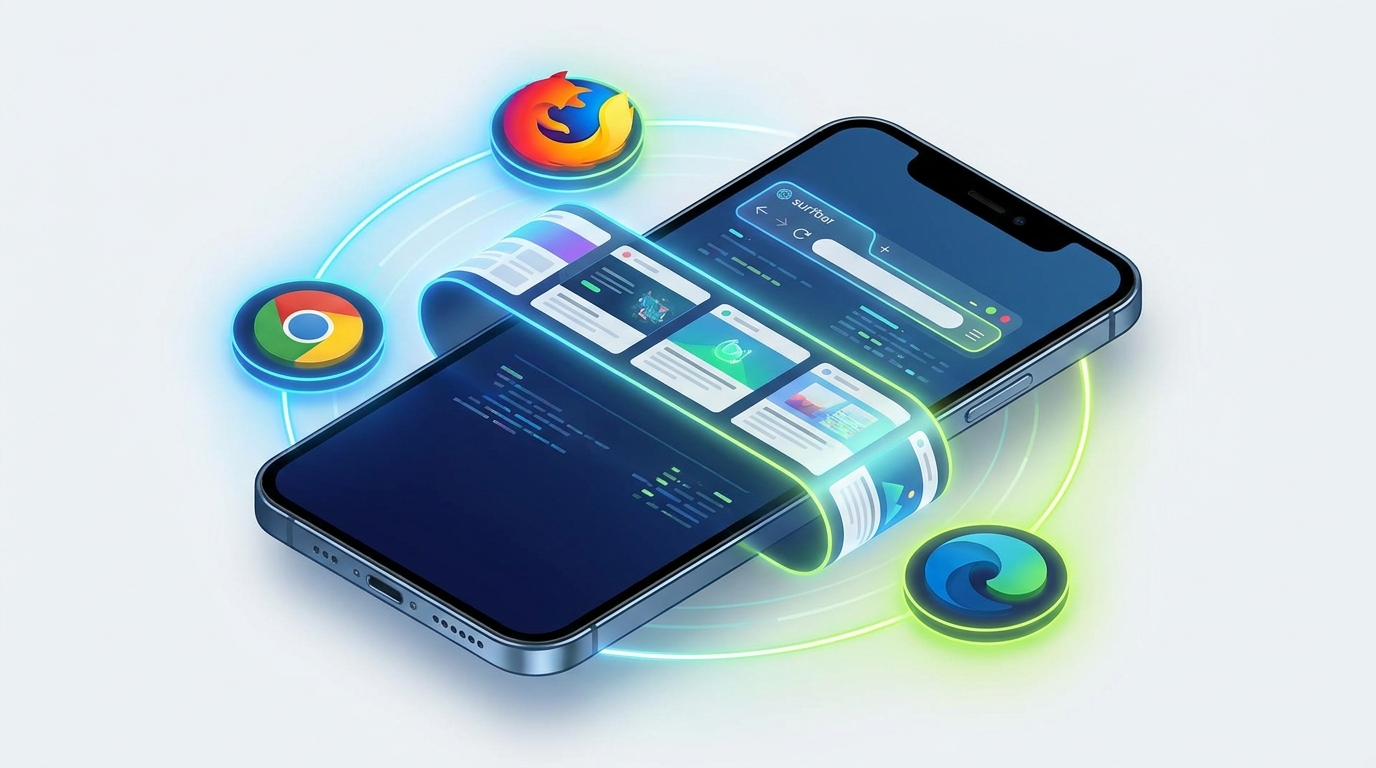
Why Firefox Is Our First Choice
If you would like to use eBesucher on Android, Firefox is the absolute top recommendation. Mozilla has opened the barriers to mobile add-ons wide.
- Best connection test: for most users, Firefox is the best solution. Installing the add-on is child's play and the performance is excellent. In our tests, Firefox passes the connection test better than any of the other mobile browsers.
- Native support: the eBesucher Firefox add-on was optimised specifically for the Gecko engine.
- Stability: on mobile, Firefox offers the most stable environment for scripts that run in the background for a long time (such as the surfbar).
Browser Comparison for eBesucher (Android 2026)
| Browser | Add-on type | Speed | Stability | Users (approx.) |
|---|---|---|---|---|
 Firefox Firefox |
Firefox | ⭐⭐⭐⭐ | ⭐⭐⭐⭐⭐ | 100 m+ |
 Kiwi Browser Kiwi Browser |
Chrome | ⭐⭐⭐⭐⭐ | ⭐⭐⭐⭐ | 10 m+ |
|
Yandex Browser |
Chrome | ⭐⭐⭐⭐ | ⭐⭐⭐⭐ | 50 m+ |
 Lemur Browser Lemur Browser |
Chrome / Edge | ⭐⭐⭐⭐ | ⭐⭐⭐ | 500k+ |
|
Waterfox |
Firefox | ⭐⭐⭐⭐ | ⭐⭐⭐⭐ | 100k+ |
The Browsers in Detail
1. Firefox (the standard)
As mentioned, Firefox is the current front-runner. Important: so that the surfbar runs smoothly, you should set the "Enhanced Tracking Protection" to "Off" for the eBesucher site in the settings, since otherwise the advertising content could be blocked.
▶ Open in the Play Store
2. Kiwi Browser (the Chrome alternative)
Should you prefer the Chrome add-on from eBesucher (because you are perhaps used to the desktop look of Chrome), Kiwi is the best choice. It is based on Chromium and, as one of the few browsers, allows direct access to the Chrome Web Store. It is extremely lightweight and easy on your memory.
▶ Open in the Play Store
3. Yandex Browser (the performance giant)
Yandex is a powerful alternative for everyone who wants to use the Chrome add-on but is looking for a somewhat more professional user interface than the one in Kiwi. It supports Chrome extensions very reliably and, thanks to the integrated "turbo mode", is often stable even on weaker internet connections.
▶ Open in the Play Store
4. Lemur Browser (the Edge specialist)
Lemur goes one step further: it supports not only Chrome add-ons but Microsoft Edge add-ons as well. Anyone who is at home in the Microsoft ecosystem and prefers the eBesucher Edge add-on will find their home here. It also offers very deep configuration options for local add-on files.
▶ Open in the Play Store
5. Waterfox (for maximum freedom)
Waterfox is an "insider tip" for Firefox fans. While normal Firefox only permits verified add-ons, Waterfox allows access to the complete Mozilla catalogue. Perfect for power users who want maximum control and do not want to send any telemetry data.
▶ Open in the Play StoreConclusion: Which One Should I Choose?
For maximum stability and the most reliable connection test, you should reach for Firefox. The eBesucher add-on is perfectly integrated there. If, however, you absolutely want to use the Chrome or Edge add-on – for instance because you have saved special presets there – Kiwi, Yandex or Lemur offer the necessary flexibility.
Pro tip: in the Android system settings, disable battery optimisation for the browser you have chosen, so that the surfbar is not stopped when your phone goes into standby mode!
Happy mobile surfing!
Your eBesucher team


0 Comments
Sign in to leave a comment.
Sign in