eBesucher Restarter
The eBesucher Restarter is a software that automatically restarts your Surfbar if the browser crashes or the surfing process is interrupted. This way, you can collect points without interruption - no manual restart is necessary.
Using the Restarter is optional. You can find the download and your personal access code in the member area under Earn Money > Dashboard > Restarter.
Classic Restarter (v1.2.06)
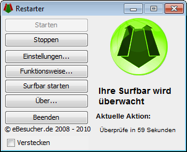
The classic Restarter is a Java application for Windows. It offers an installer as well as a portable version (ZIP).
System requirements:
- Operating system: Windows 7 / 8 / 10 / 11
- 10 MB disk space
- Java 8 or higher
Alternative Restarter (v2.1.0)
The alternative Restarter is based on modern technology and does not require Java. It is available for Windows and Linux.
Advantages over the classic Restarter:
- No Java installation required
- Modern security standards (TLS 1.2/1.3)
- System tray integration
- Browser selection (Firefox, Chrome, Edge, or custom)
- Session statistics and restart history
How It Works
Both Restarters work on the same principle:
- After starting, the Restarter checks every minute whether the Surfbar is still active
- If the Surfbar was interrupted or the browser crashed, the browser is restarted and the Surfbar is reopened
- The browser is terminated directly - any prompts when closing are ignored to ensure a smooth restart
Access Code
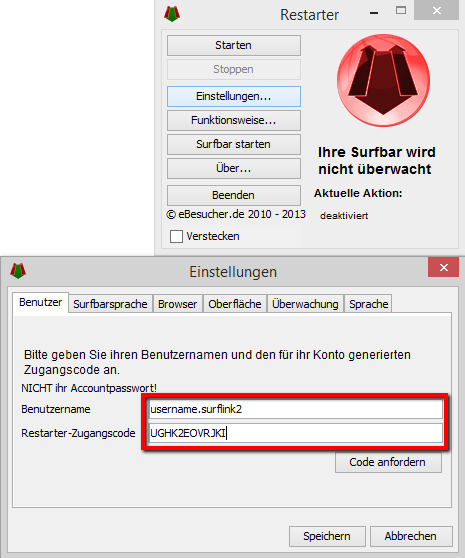
Each account has an individual Restarter access code. When the program is first started, it will ask for this code. You can find the code in the member area, provided you are logged in.
Important: The access code is not your account password.
Using with Surf Links
It is also possible to use the Restarter with an individual surf link. To do this, the full name of the surf link must be entered in the Restarter:
- Login Name: Username
- Surf Link Name: Username.Example