
The eBesucher Addon for the Surfbar and the click ads is free for all users. The eBesucher Addon is available separately for Google Chrome in the Chrome Web Store and for Mozilla Firefox on the Mozilla website.
The eBesucher Addon is available separately for Google Chrome in the Chrome Web Store and for Mozilla Firefox on the Mozilla website.
Installing the eBesucher Addon for Google Chrome 
First, please make sure that a current version of Google Chrome is installed on your computer. We recommend Google Chrome 69 or newer. Google Chrome can be downloaded for free here.
1.) Open Google Chrome and navigate to the eBesucher Addon in the Chrome Web Store.
2.) Click on Add.

3.) Chrome asks for permission. The installation can be completed by clicking Add extension.
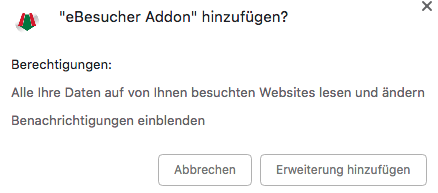
4.) The eBesucher Addon is now installed and starts automatically as soon as the Surfbar link is opened or click ads are visited.
Installing the eBesucher Addon for Mozilla Firefox 
First, please make sure that a current version of the Mozilla Firefox web browser is installed on your computer. We recommend Mozilla Firefox 61 or newer. Mozilla Firefox can be downloaded for free here.
1.) Open Mozilla Firefox and navigate to the eBesucher Addon page.
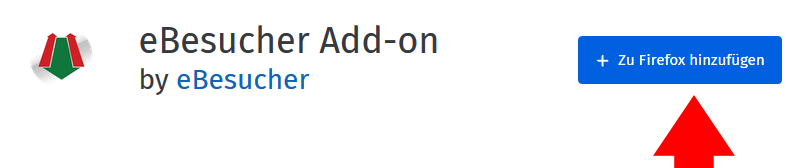
2.) Click on + Add to Firefox.
3.) Firefox asks for permission. The installation can be completed by clicking Add.
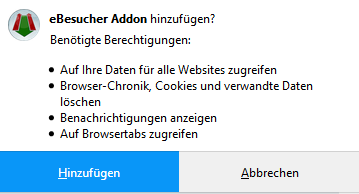
4.) The eBesucher Addon is now installed and starts automatically as soon as the Surfbar link is opened or click ads are visited.
Installing the eBesucher Addon for Opera 
First, please make sure that a current version of Opera is installed on your computer. We recommend Opera 66 or newer. Opera can be downloaded for free here.
Since the eBesucher Addon is not directly available in the Opera Web Store, it is added via the Chrome Web Store. To do this, the extension Install Chrome Extensions must be added to Opera. This extension enables many Chrome extensions to work in Opera as well.
1.) Open the Opera browser and navigate to Install Chrome Extensions in the Opera addon section.
2.) Click on Add to Opera to install Install Chrome Extensions.

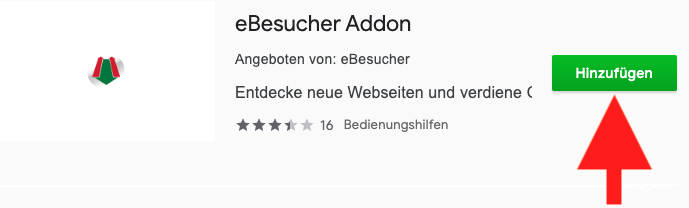
3.) Navigate to the eBesucher Addon in the Chrome Web Store and click on Add.
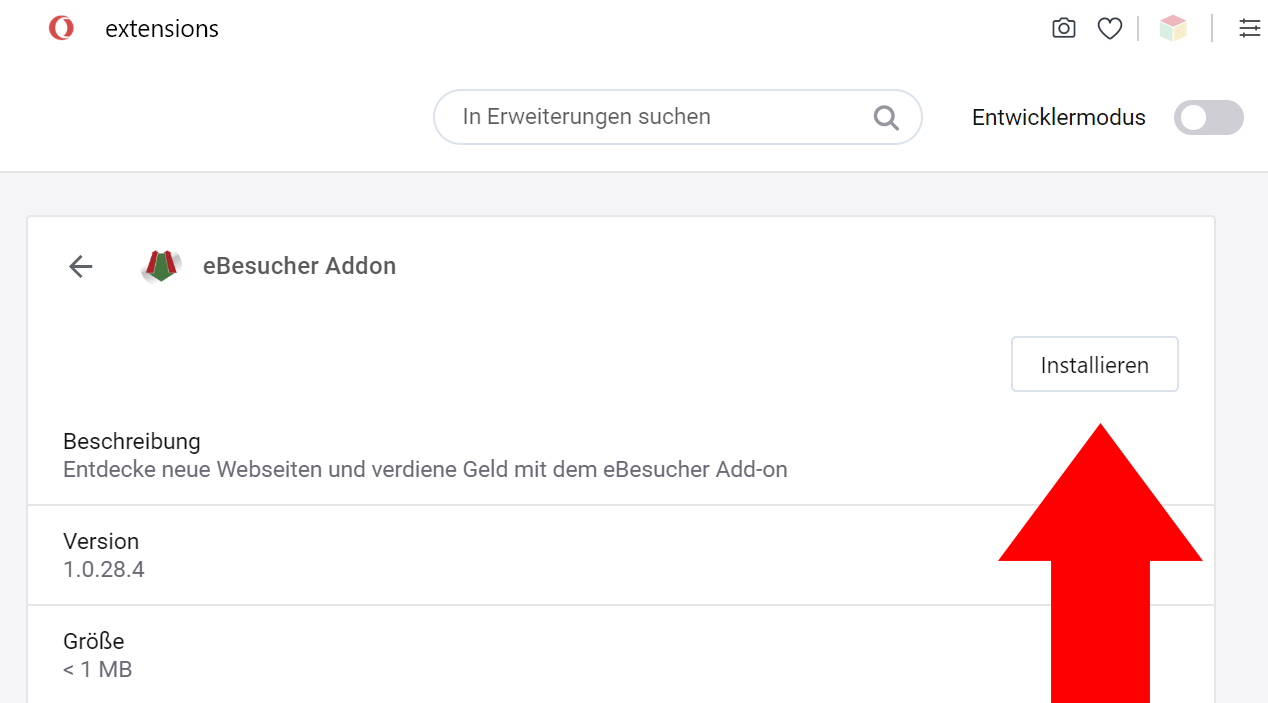
4.) Finally, the installation must be manually confirmed. To do this, go to View > Show Extensions in the Opera browser and then click Install.
The eBesucher Addon is now installed and starts automatically as soon as the Surfbar link is opened or click ads are visited.
Feedback on the eBesucher Addon
The eBesucher Addon was released in mid-October 2018 as a BETA version. Since we want to continuously develop and improve the addon, your feedback is important to us. You can help us optimize the addon with a detailed response! Relevant questions that help us meet your needs include:
- What works well?
- What should be improved?
- What are your individual experiences?
You can send your feedback to our support team or share it directly in the Chrome Web Store or on the eBesucher Addon page.
We wish you great success and fun with the eBesucher Addon!

