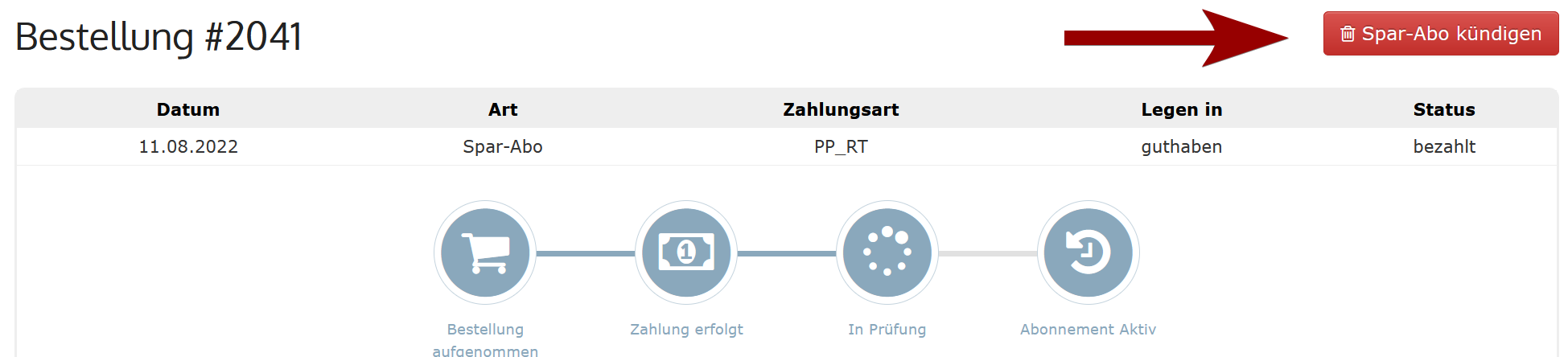
The savings subscription can be cancelled at any time. All payments will be stopped from the moment of cancellation.
How to Cancel Your Savings Subscription
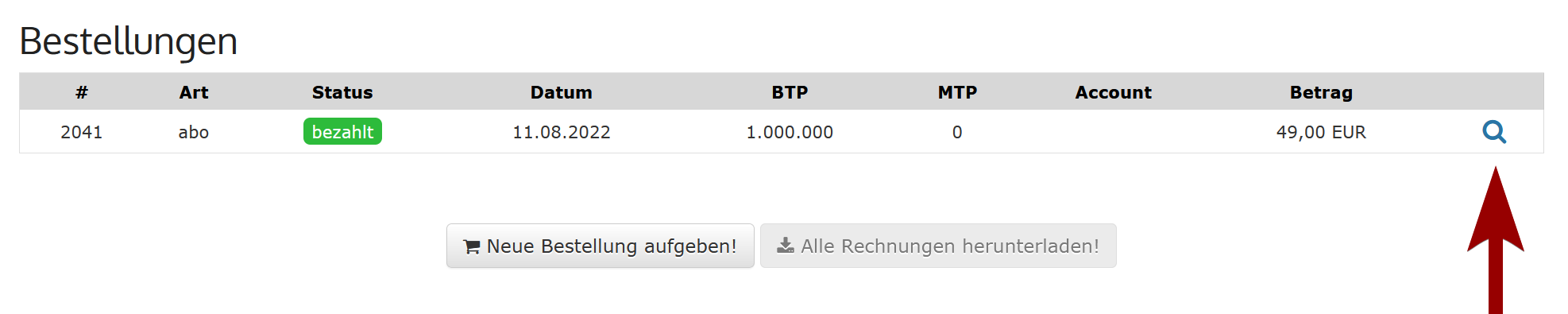
Go to the Advertiser Portal under Orders > All Orders and select the savings subscription by clicking on the magnifying glass icon.
If the selected savings subscription is active, you will find a button on the following page: Cancel Savings Subscription. Use this button if you want to end the savings subscription.