
Create a New Ad Campaign in the Surfbar
In addition to the member area, there is an Advertiser Portal. Here you can view orders and manage ad campaigns. The Advertiser Portal can be found under Buy Advertising > Manage Advertising.

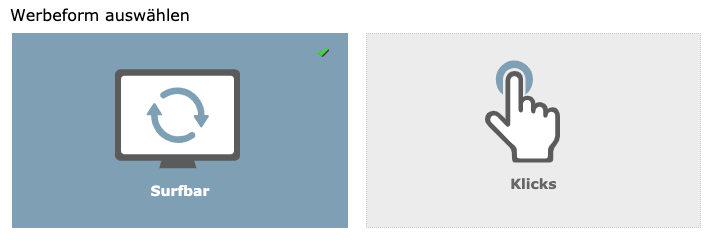
To advertise in the surfbar, go to the Advertiser Portal under Visitors > Manage Campaigns and click the Create New Campaign button. There you will find the form for creating an ad campaign in the surfbar or via pay-to-click ads. Select the Surfbar tab and follow the on-screen instructions.
After the ad campaign has been successfully created, it will be reviewed by our team. If the page is accessible and complies with our guidelines, it will be approved and advertised in the surfbar.
Edit an Ad Campaign
Under Visitors > Manage Campaigns, all ad campaigns in the Surfbar and the Pay-to-Click Ads are listed. By clicking on the wrench icon, you can edit the ad campaigns. Among other things, you can activate visitor filters or change the retention time, the bid, or the countries in which the ad campaign is promoted.


